Start with the camera frame
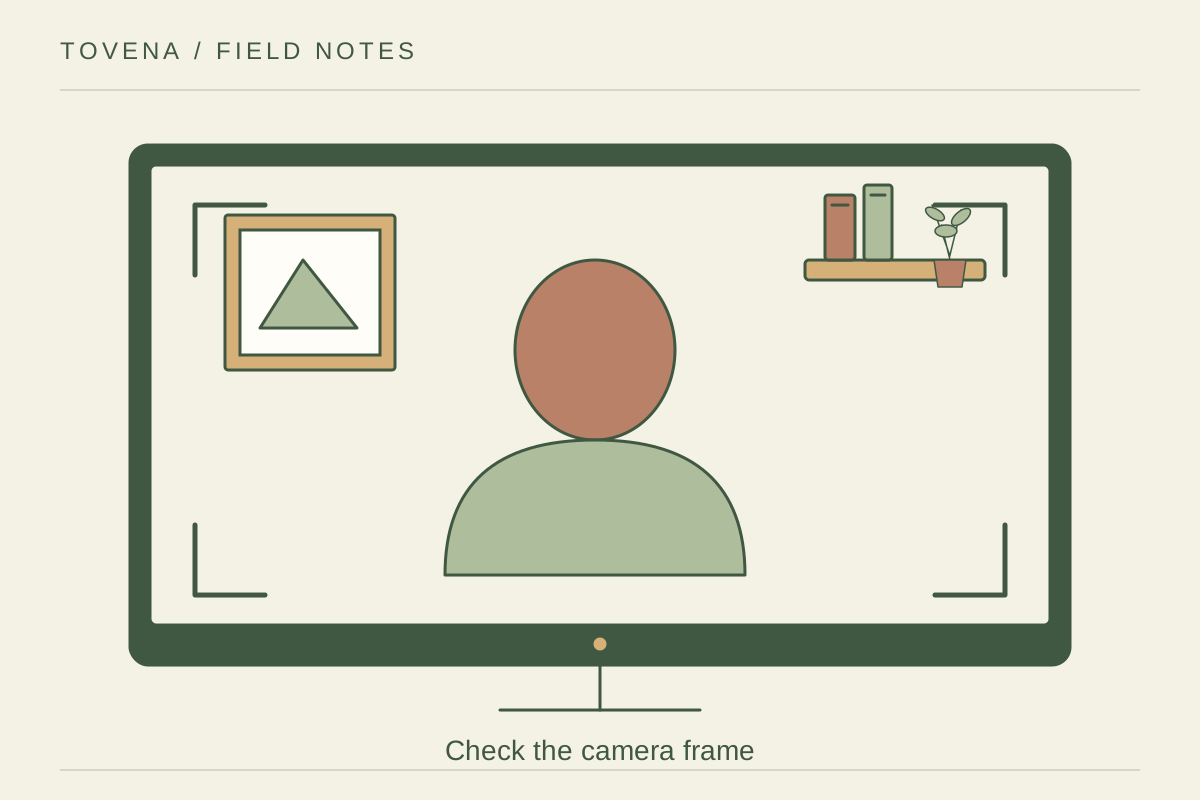
Open a private preview and place the camera at the position you actually use. The wall you see while standing may be different from the view behind your seated head. Look for distracting doorways, laundry, and personal papers inside the frame. Move the camera or chair slightly before buying a decorative backdrop. A small change of angle can remove the distracting corner while keeping the desk in a position that works for the rest of the day.
Use a few quiet shapes
A plain wall, one framed print, or a short section of shelving can provide enough visual interest. Check that a shelf edge does not appear to run through your head and that a bright window is not dominating the image behind you. View the result at normal call size, not just full screen. Fine patterns and tiny ornaments often add little at that scale. Keep anything personal out of frame rather than assuming callers will not notice.
Test an ordinary working moment
Record a short local test or use the application's preview while you speak, turn, and reach for a notebook. Check the changing daylight and the appearance of any lamp reflection in glasses. Keep the route behind the chair usable for other people, with an agreed way to avoid interruptions if needed. Choose a background you can reset quickly after daily life. A room that still works after the camera is off is more useful than a permanent stage set.