Agree on the overlap
Write down when each person uses the corner and what each activity requires. Two laptops used at different times are a different problem from simultaneous calls. Mark the actual equipment footprints with paper before selecting a larger desk. Include open notebooks and the elbow room people naturally use. If the activities repeatedly clash, a second temporary call location may solve more than trying to fit two complete setups into one narrow corner.
Separate personal landing places
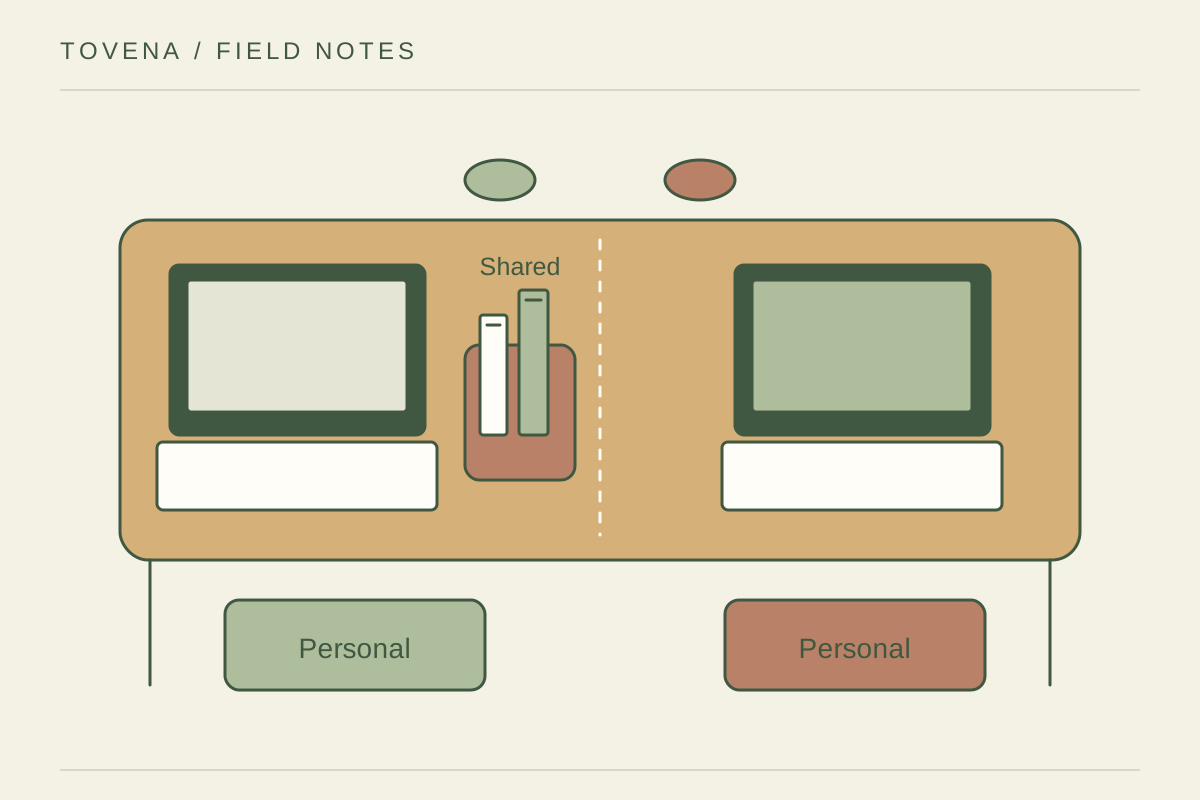
Give each person one shelf, drawer section, or portable box, and label shared items separately. Headphones, reading glasses, and current papers need homes that do not depend on the other person moving first. Keep frequently used shared objects in neutral reach rather than behind one screen. Avoid dividing the desk with a tall organizer before testing visibility and available light; a physical barrier may consume more space than it returns. A shared charging point should remain accessible to either person without moving personal papers.
Set a handover that takes seconds
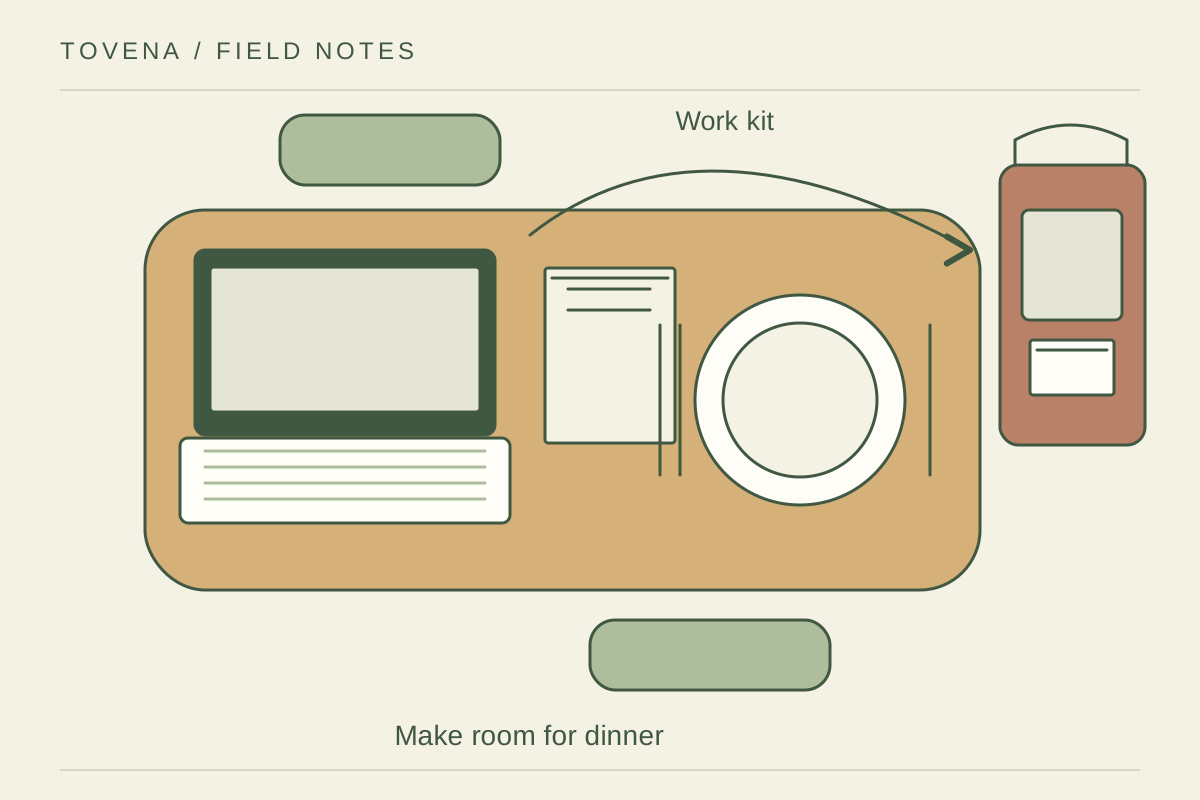
Choose a clear signal for the end of a session: devices removed, papers in the named folder, and the chair pushed back. Keep individual screen settings or accessory needs easy to restore without dismantling the whole desk. Agree what may remain overnight and what cannot spread to the dining area. Try the arrangement for a week and change the rule that causes repeated friction. A shared corner works through repeatable habits as much as furniture.