Close the work, not just the laptop
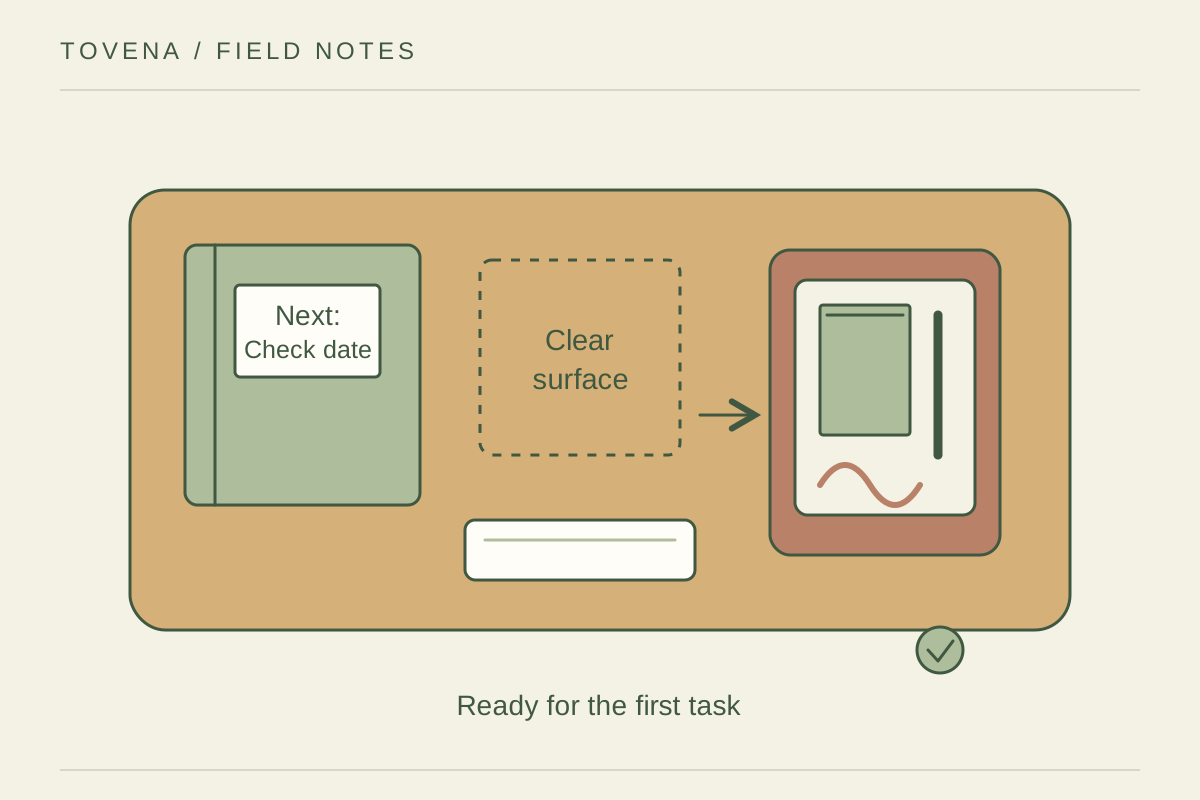
Before clearing the surface, write the next concrete action for the task you are stopping. A note such as check the delivery date is more useful than continue project. Put supporting papers together so tomorrow does not begin with a search. Save and close files according to your normal work process, then decide which materials really need to remain visible. Leaving everything open can turn the desk into a record of unfinished decisions rather than a useful workspace.
Return items to short routes
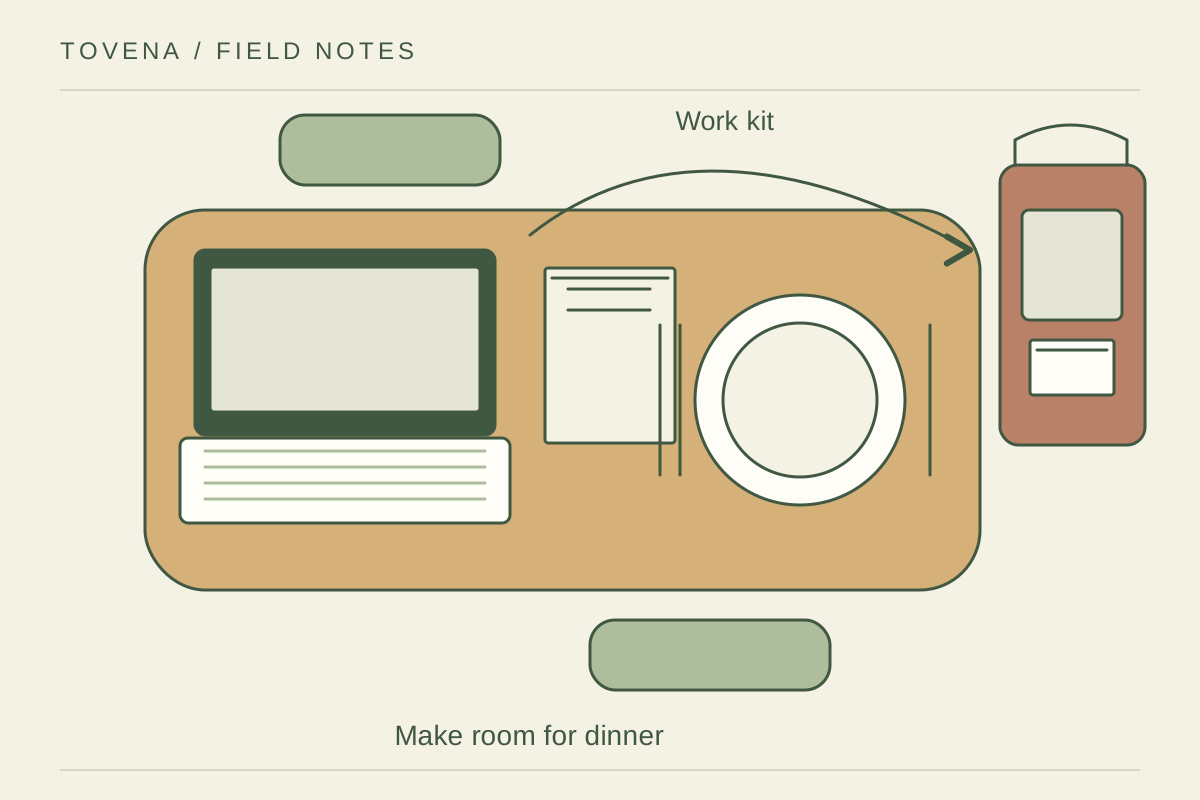
Place a small tray or drawer close enough that the pen, headset, and charger can be put away without standing up repeatedly. Give papers awaiting action one named folder rather than several temporary piles. Remove cups and food items, and clean the surface using methods suitable for the desk and equipment. Keep cleaning liquid away from electronics and follow their instructions. If an object has no destination for several days, choose one rather than repeatedly moving it aside.
Leave a useful starting surface
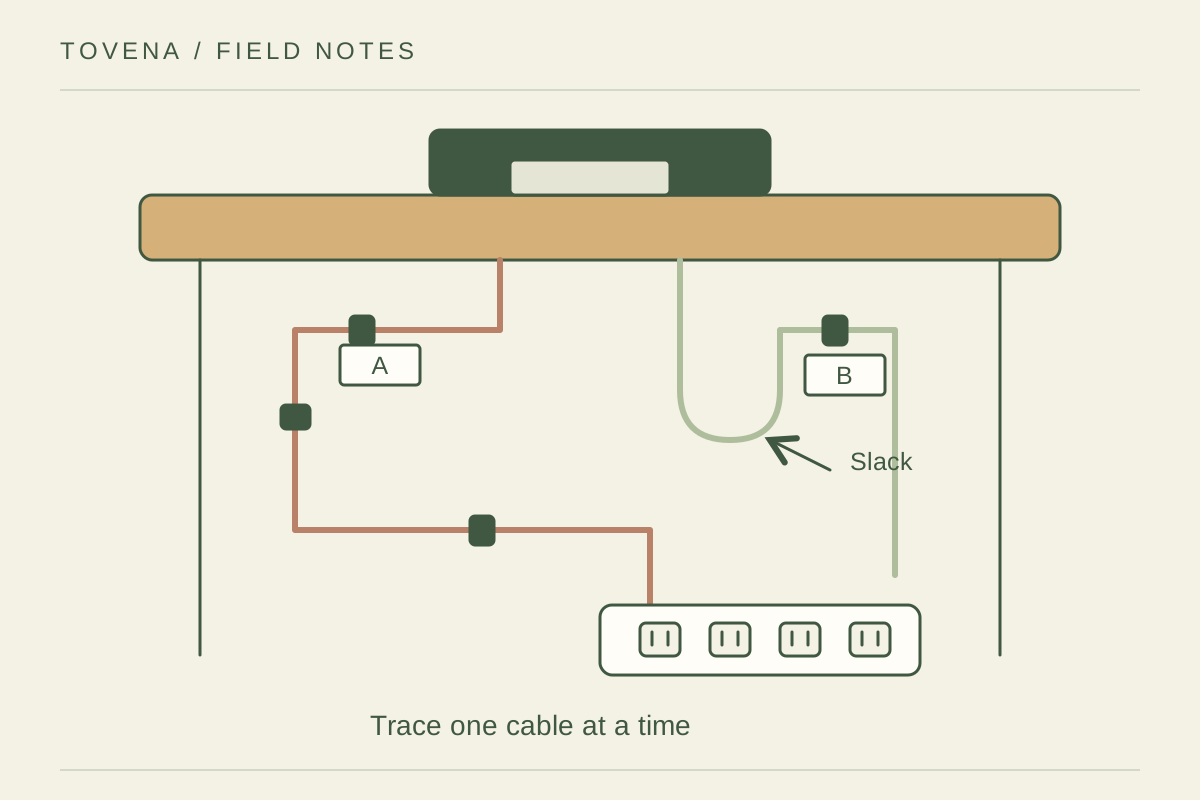
Keep only what helps the first task: perhaps the closed notebook and the relevant folder, with enough clear space to open them. Charge or store devices according to their instructions, checking that cables do not stretch into a walking route. Push the chair back to its normal place and look at the desk from the doorway. Try this reset for several evenings and shorten any step that you consistently skip. The routine should be easy enough to survive a busy day.